
Bridging Information for the AECO
ProjectReady connects Autodesk, Procore, SharePoint, Bluebeam, HCSS, Egnyte & Box, so AECO project teams can keep working in their preferred tools with the right information, automatically.


Connect Content and Workflows
Autodesk ↔ Procore ↔ SharePoint
Sync, Transfer or Migrate project data, content & workflows across systems automatically + Full Audit Trail.
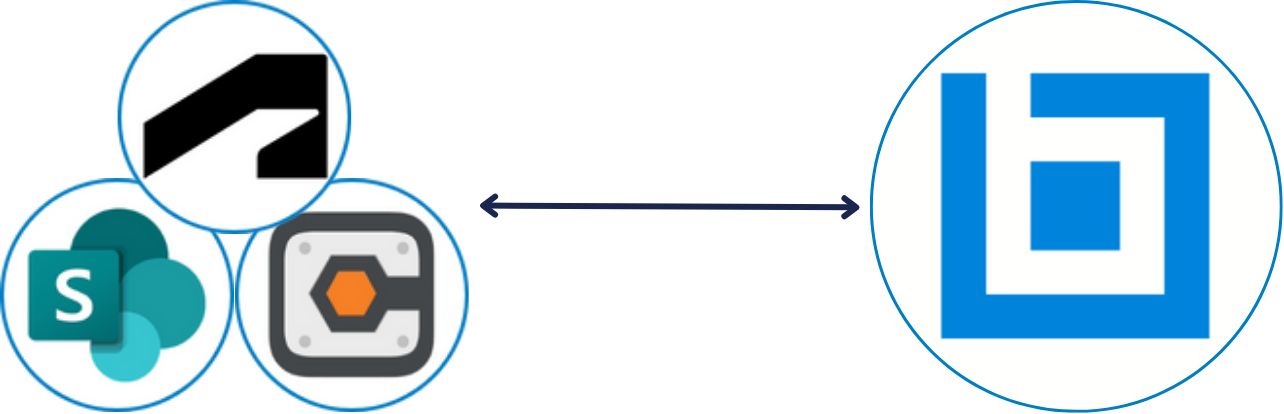
Simplified Bluebeam Collaboration
Autodesk ↔ Procore ↔ SharePoint
Launch Bluebeam sessions with Autodesk, Procore, SharePoint content, review and return automatically.

Streamline Estimate to Bid
HCSS → BuildingConnected
Transfer HCSS estimate quote folders to BuildingConnected bid packages automatically.


Automated Setup + Connection
Autodesk – Procore – M365 – Egnyte
Automate the setup, connection amd governance of project platforms.

Centralized Security + Governance
Autodesk – Procore – M365 – Egnyte
Manage user permissions centrally, on the project and the portfolio.

Cloud Backup with Microsoft 365
Autodesk/Procore ↔ SharePoint
Back up project documents, drawings and attachments – automatically.
We Help AEC Project Teams & Project Owners Work Together


ProjectReady WorkBridge keeps your project team connected and in sync across Autodesk, Procore, SharePoint, Bluebeam and HCSS — eliminating silos, re-keying, and gaps in information. Teams work in their preferred tools while staying aligned, secure, and up to date.
ProjectReady Central automates the setup and connection of Procore, Autodesk, Microsoft 365, Egnyte, and Box. With cross-platform document sync, and centralized governance.
See how ProjectReady brings project teams, platforms and information together, seamlessly.
Trusted By


ProjectReady is another step towards connecting siloed workflows between project teams including owners, general contractors, specialty contractors and design teams. This integration will provide an opportunity to improve efficiency and transparency as our industry continues its digital transformation.
A powerful tool combining industry-standard project management processes with the flexibility needed to adapt to our company’s workflows.
We think your prices are high value and low cost to projects… this collaboration platform would be first of its kind for our ADG P3 industry.
ProjectReady offers the siloed construction industry a connective tissue, simplifying the flow of data and enabling communication to be made through industry-specific workflows.
ProjectReady helps us save time by eliminating the time-consuming process
Featured Resources
On-Demand Demo:
Autodesk and Procore Sync
Across the Full Project Team
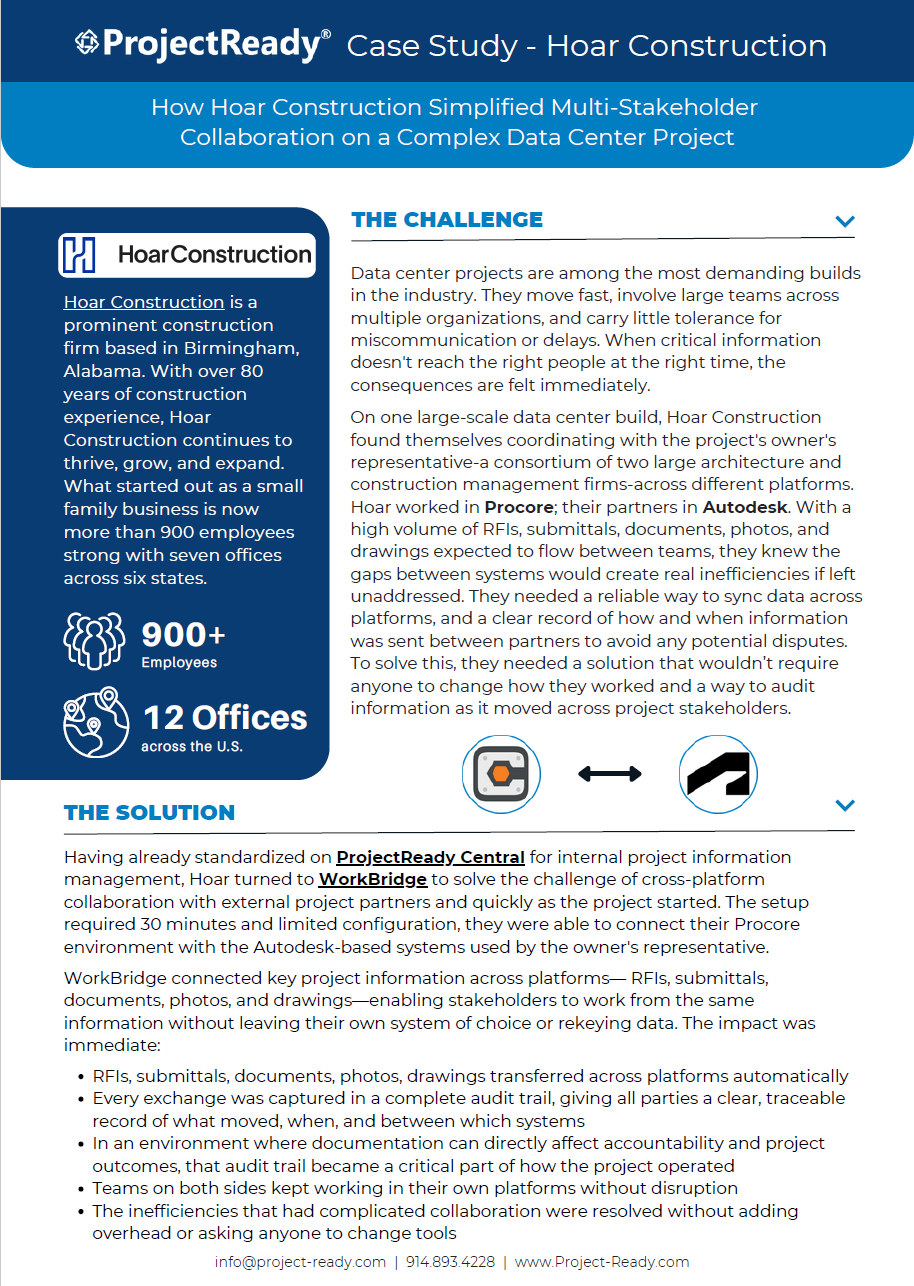
Featured Case Study:
How Hoar Construction Bridged Procore and Autodesk
on a Complex Data Center Project
On-Demand Demo:
Autodesk + Procore Migration
On-Demand Demo:
Autodesk + Procore Backup with Microsoft 365


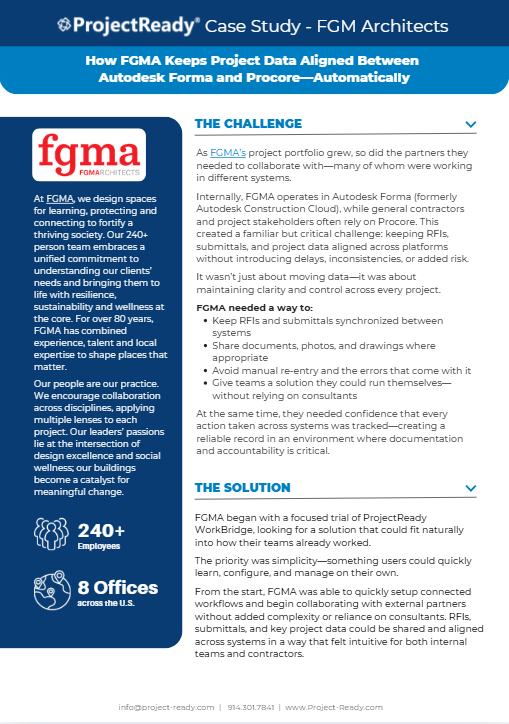
Featured Case Study
How FGM Architects (FGMA) are keeping Autodesk and Procore aligned with ProjectReady WorkBridge
Why Choose ProjectReady to Connect
Your Project Information
Collaborate + Align Across Project Teams
ProjectReady’s ease of connecting information on a project allows for seamless collaboration plus the benefit of all project team members working in their own systems with the right information and no manual overhead.
Reduce Rework + Manual Effort
Errors, omissions, or miscommunications in the design, construction, or operations of a project results in a monumental amount of rework.
ProjectReady helps eliminate rework by ensuring everyone is working with the right information at any given time. The reduction of rework instantly benefits the bottom line.
A Source of Truth for the Project
Managing data and information across project teams, construction managers, project owners, and other stakeholders is not an easy undertaking. But with ProjectReady, users can easily sync content across connected systems and projects, finally accessing a single source of truth on the project.

SOC 2 Type II Compliant
ProjectReady WorkBridge is SOC 2 Type II Compliant which reflects that ProjectReady has implemented internal controls designed to protect customer information and support secure and reliable system operations over time.
Audit Trail - Proof When You Need It
ProjectReady WorkBridge delivers a Full Audit Trail so if questions come up, point to a full record of what moved, where it went, and when
Self-Service - Your Team, in Control
With how easy ProjectReady WorkBridge is to use, you team is in control. Set up and adjust connections yourself as project needs change, with no IT tickets or waiting/paying for consultants.
Discover how ProjectReady can SIMPLIFY how
you manage project information