
ProjectReady WorkBridge
Sync + Transfer Data & Workflows across Autodesk, Procore and Microsoft 365

WorkBridge eliminates the manual work between platforms and project teams
— keeping everyone aligned, every record accurate and every move tracked.
No Re-keying | No Silos | + Full Audit Trail

The Problem
Managing project data across systems creates risk
-
Re-entering data across systems
-
Uploading, downloading, and renaming files
-
Misalignment between project teams
The WorkBridge Solution
A direct, automated connection across systems
- Field-to-field mapping
- Full audit trail
- No duplicative data entry
What WorkBridge Connects
Autodesk and Procore
Connect RFIs, Submittals, Documents, Issues, Photos, Sheets, & Forms between Autodesk Forma (formerly ACC) & Procore—field-to-field matching, not a summary report.

Procore to Procore
Connect RFIs and Submittals, Issues, Inspections, Documents, Sheets, Forms, Purchase Orders, Invoices, Correspondences and Photos across Procore Companies.

Autodesk to Autodesk
Connect RFIs and Submittals, Issues, Documents, Sheets, Drawings and Photos across Autodesk Hubs

Autodesk/Procore to SharePoint
Automatically transfer project documents from Autodesk and Procore directly into Microsoft 365 SharePoint.

See it in Action
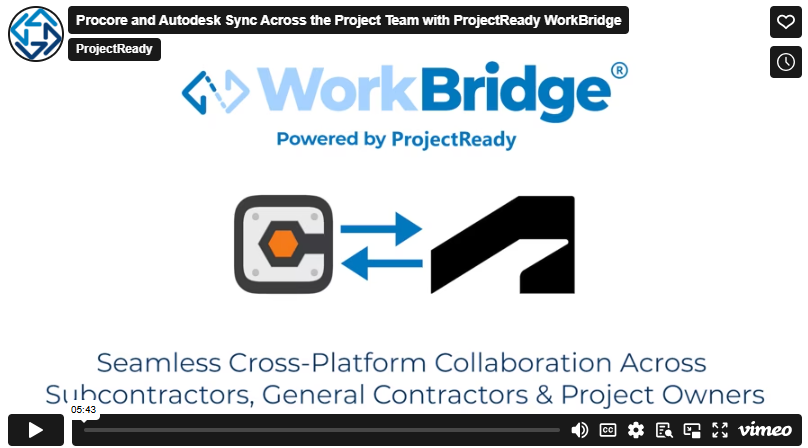
Watch how project teams work across Procore and Autodesk without manual effort—keeping RFIs, submittals, and project data in sync while every stakeholder stays in their platform of choice.
Featured Case Studies:
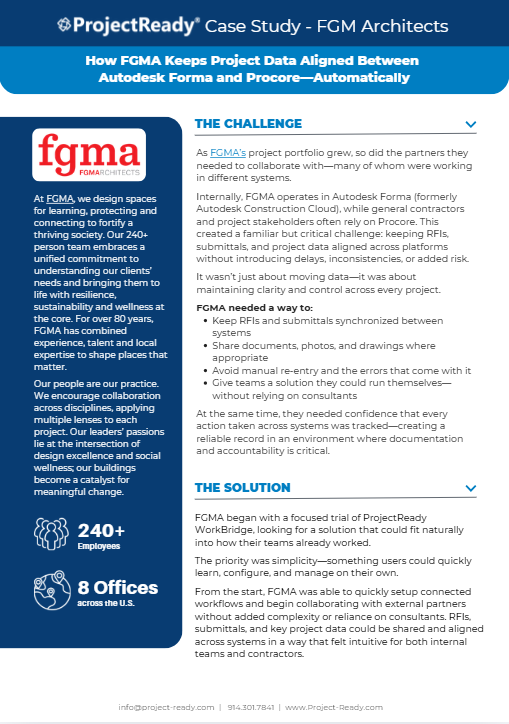
FGM Architects (FGMA)
Keeping Project Data Aligned Between Autodesk Forma and Procore—Automatically
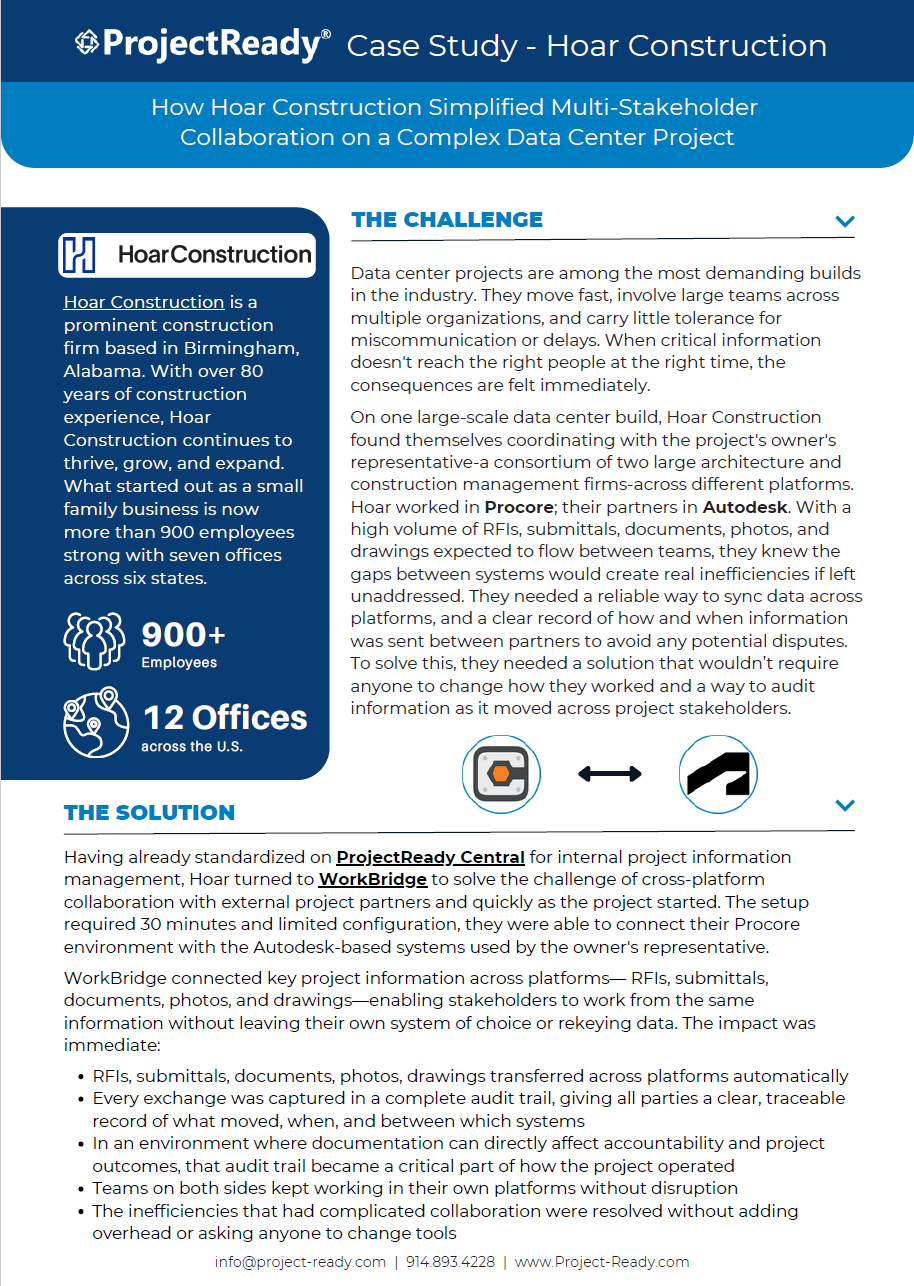
Hoar Construction
How Hoar Construction Bridged Procore and Autodesk on a Complex Data Center Project
How Simple it Works
Easy Setup and Installation
In just a few clicks from the Autodesk or Procore App Store, your team is ready to bridge workflows and data with WorkBridge.
Choose Sync or Transfer
Keep workflows in sync across systems or move content when needed with one-time or scheduled transfers.
Select Source, Destination and Data
Choose where data moves between systems and what to include—RFIs, Submittals, issues, photos, documents, forms…
Schedule and Track Every Move
Run instantly or schedule transfers to execute automatically on a schedule—with a complete audit trail of every move
Built for Real Cross-Platform Collaboration – Without Manual Rework
Operational Impact
- Save time and cost with automation
- Improved accuracy
- Reduce your risk
Built-In Assurance
- Full visibility
- Complete audit trail
- No Data at Rest
James Cook | Director of Industry and Technology Partnerships – Autodesk
“Managing project information across platforms increases administrative tasks and potential errors. ProjectReady’s WorkBridge solution helps project teams maintain synchronization of critical construction data throughout all stages of the construction lifecycle.”
Measure Your ROI
Quantify the time and cost savings from eliminating duplicative data entry across Autodesk, Procore, & SharePoint
Book a Demo
See how WorkBridge fits into your projects—connecting Autodesk, Procore, & SharePoint based on your workflows.
Contact Us and Let’s Get Started
Built on the WorkBridge Platform
ProjectReady WorkBridge connects data and workflows across systems:
Autodesk ↔ Procore ↔ SharePoint | HCSS → BuildingConnected
— so teams can use the tools they already rely on without manual handoffs or rework.
