
Connect Your Data & Workflows Across Systems — Automatically
Sync, transfer, and migrate project data across Autodesk Forma, Procore, SharePoint, Bluebeam, BuildingConnected and HCSS.

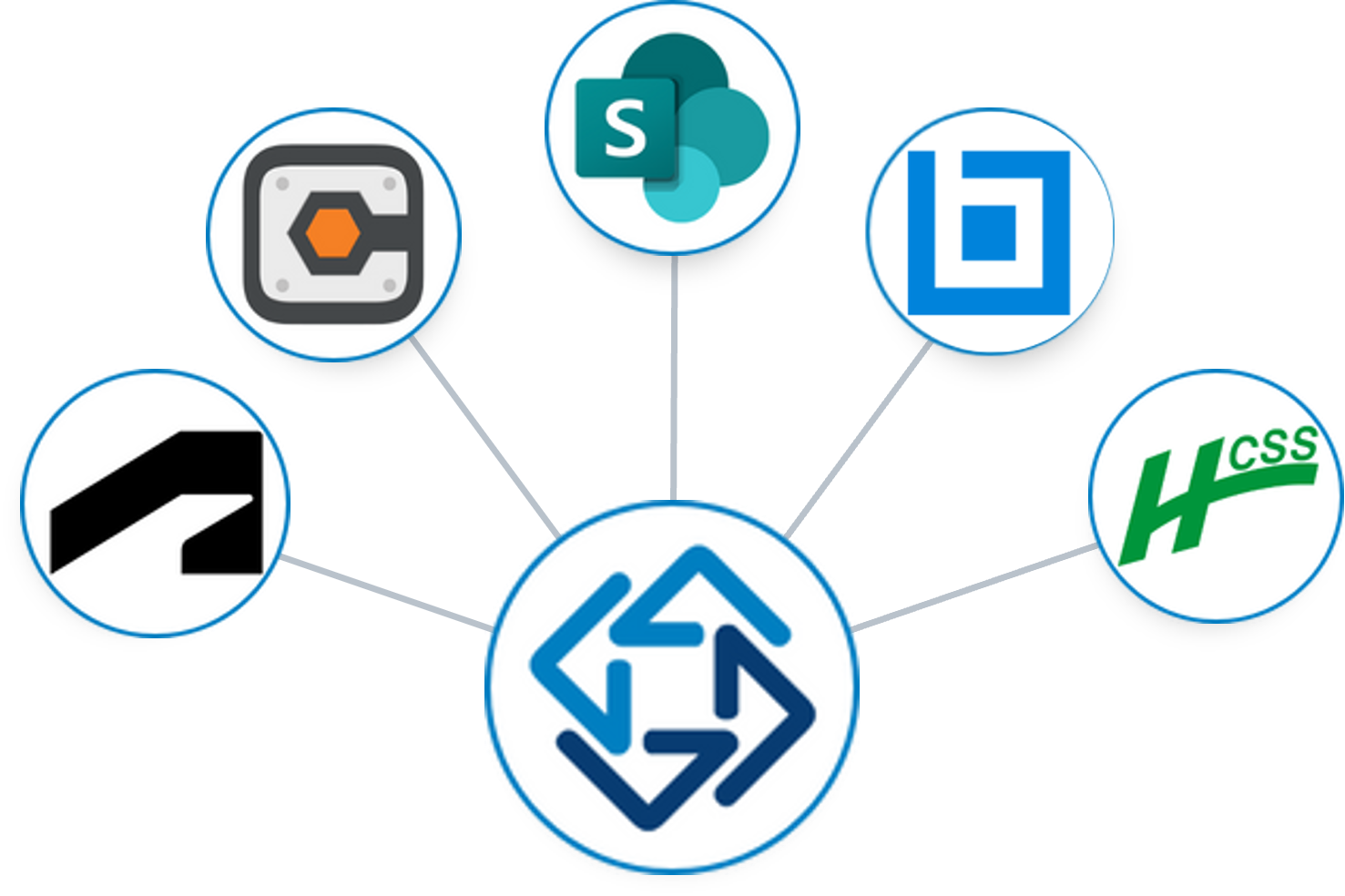
WorkBridge Integrations

Autodesk ↔ Procore ↔ SharePoint
Keep project data (Documents, Issues, Photos, Sheets, & Forms) & workflows (RFIs + Submittals) aligned across systems — Secure, Automated + Fully Auditable
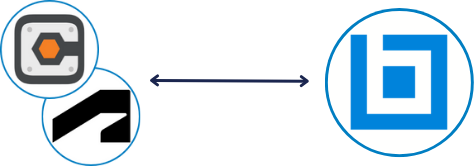
Autodesk/Procore ↔ Bluebeam
Launch Bluebeam sessions from WorkBridge — select your Autodesk or Procore content, review in Bluebeam, and return marked-up files to their source automatically.

HCSS → BuildingConnected
Transfer HCSS estimate quote folders directly into Autodesk
BuildingConnected bid packages — issuing complete, accurate bids faster with less risk.
Connect What Each Project Needs with One Solution — No Consultants Required
No two AECO projects are exactly the same. WorkBridge lets your team connect the platforms each project calls for, with no custom builds and no starting from scratch. Everyone keeps working where they already do while information moves automatically to where it’s needed.
Why WorkBridge

Self-Service —
Your Team, in Control
Set up and adjust connections yourself as project needs change, with no IT tickets or waiting for consultants
SOC 2 Certified —
Secure by Design
No Data at rest with permissions governed entirely by your existing settings.

Audit Trail —
Proof When You Need It
If questions come up, point to a full record of what moved, where it went, and when