
ProjectReady WorkBridge
HCSS to Autodesk BuildingConnected Integration
Transfer HCSS estimate quote folders directly into Autodesk BuildingConnected bid packages—issuing complete, accurate bids faster.



Used by contractors leveraging HCSS + Autodesk BuildingConnected
The Problem
Manual estimate-to-bid handoffs slow down preconstruction and introduce risk
- Re-entering estimate data
- Time lost before bids
- Errors & missed scope
The WorkBridge Solution
A direct, automated connection from HCSS to BuildingConnected
- Seamless transfer from HCSS to BuildingConnected
- Quote Folder to Bid Packages
- No Rekeying
How Simply it Works
Map Units - Once (or as necessary)
Standardize how HCSS units translate into Autodesk BuildingConnected—ensuring consistency across every transfer.
Create a Transfer
Select your HCSS estimate and the corresponding Autodesk BuildingConnected project to define the source and destination.
Select Quote Folders
Choose the quote folders to include based on the scope you want to push into the bid.
Submit - You're Done!
WorkBridge processes the transfer—mapping HCSS quote folders to Autodesk BuildingConnected bid packages and updating the bid with codes, quantities, units, and descriptions.
See It in Action
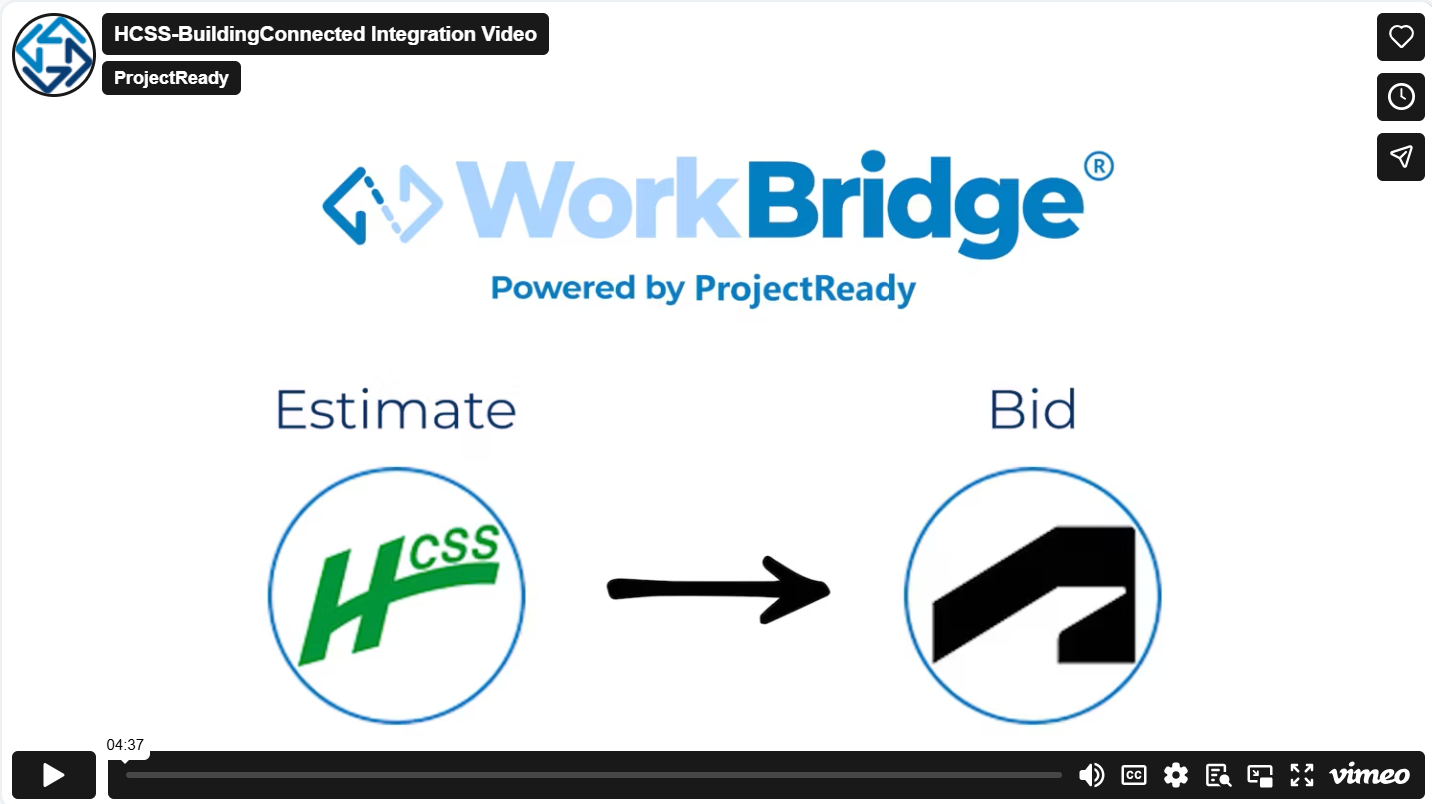
Watch how teams move from HCSS estimates to BuildingConnected bids—without manual re-entry.
Faster, More Reliable Bid Creation
Accelerate bid creation—improving accuracy, reducing risk, and increasing confidence across preconstruction teams.
Built for Estimators and Preconstruction Teams
Heavy Civil Contractors using HCSS
Teams using BuildingConnected
Estimators issuing bids frequently
Faster Bid Turnaround | Improved Accuracy | Reduced Risk
More Than Just Estimate to Bid
ProjectReady WorkBridge connects data and workflows across systems:
ACC ↔ Procore ↔ SharePoint | HCSS → BuildingConnected
— so teams can use the tools they already rely on without manual handoffs or rework.
