
Bluebeam + SharePoint. Simplified.
No uploads. No downloads. Always in sync.


Manual processes = wasted time + unnecessary risk.
Bluebeam and SharePoint work well together for individual editing but a team review is a different process. It typically means downloading and uploading files or importing copies into the session. Marked-up files have to be moved back to SharePoint manually, each handoff adds time and risk.
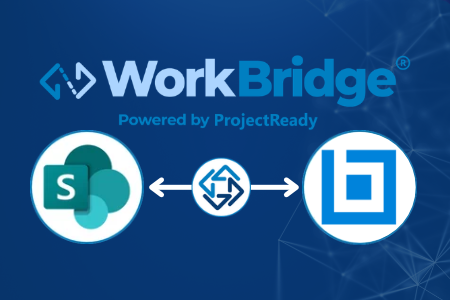
With WorkBridge, select your content from SharePoint, invite your team and the Bluebeam Session is created automatically. Files can be locked in SharePoint while markup is underway, eliminating version confusion. Once finalized, marked-up files return to their exact SharePoint location, or can be transferred to connected platforms and teams in Autodesk and Procore.
WHY SHAREPOINT + BLUEBEAM, POWERED BY WORKBRIDGE
Simplify Your Process. No manual Work.

No manual download or upload required
No conflicting edits or version confusion

Work in Bluebeam as usual

Auto-Return of marked-up files

Move marked-up content to connected platforms
Can automatically transfer marked-up files to connected platforms so the project team stays aligned

Each step captured in an Audit Trail
See it in Action
Get a demo with our experts and see how easy your project team can work across Bluebeam and SharePoint without manual effort + an audit trail with ProjectReady WorkBridge.
THE RESULT
Why it matters for your project team
No Manual Steps
No downloads. No uploads.
No time lost on manual setup before the session or cleanup after. Select your Forma documents and WorkBridge handles everything — your team gets straight to reviewing.
Always In Sync
Automatically.
When the session ends, files are returned to their SharePoint location automatically. No version confusion. No misplaced files. Autodesk always reflects the latest reviewed content.
Full Audit Trail
Every session. Fully logged.
Every session is logged with timestamps — when documents were sent, when the session was opened, when it was finalized, and when files were returned. A complete record for every review.
See the Bluebeam integration in action.
PART OF THE WORKBRIDGE INTEGRATION NETWORK
Bluebeam is the latest addition to a growing list of integrations
Autodesk + Procore + Microsoft 365
Sync, transfer, or migrate content across your project information management platforms — RFIs, Submittals, drawings, documents, and more.